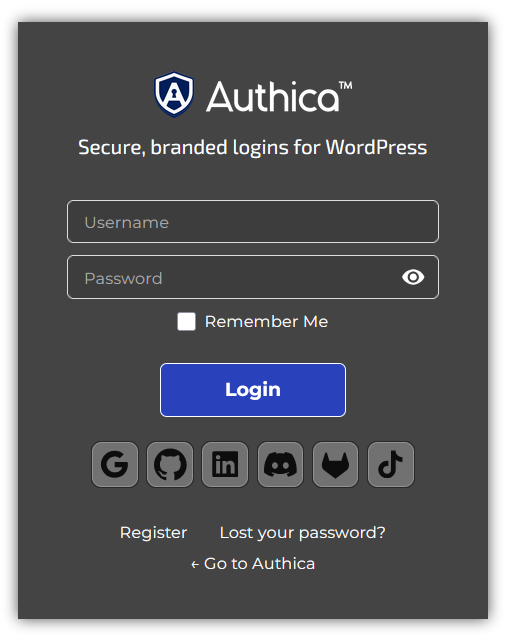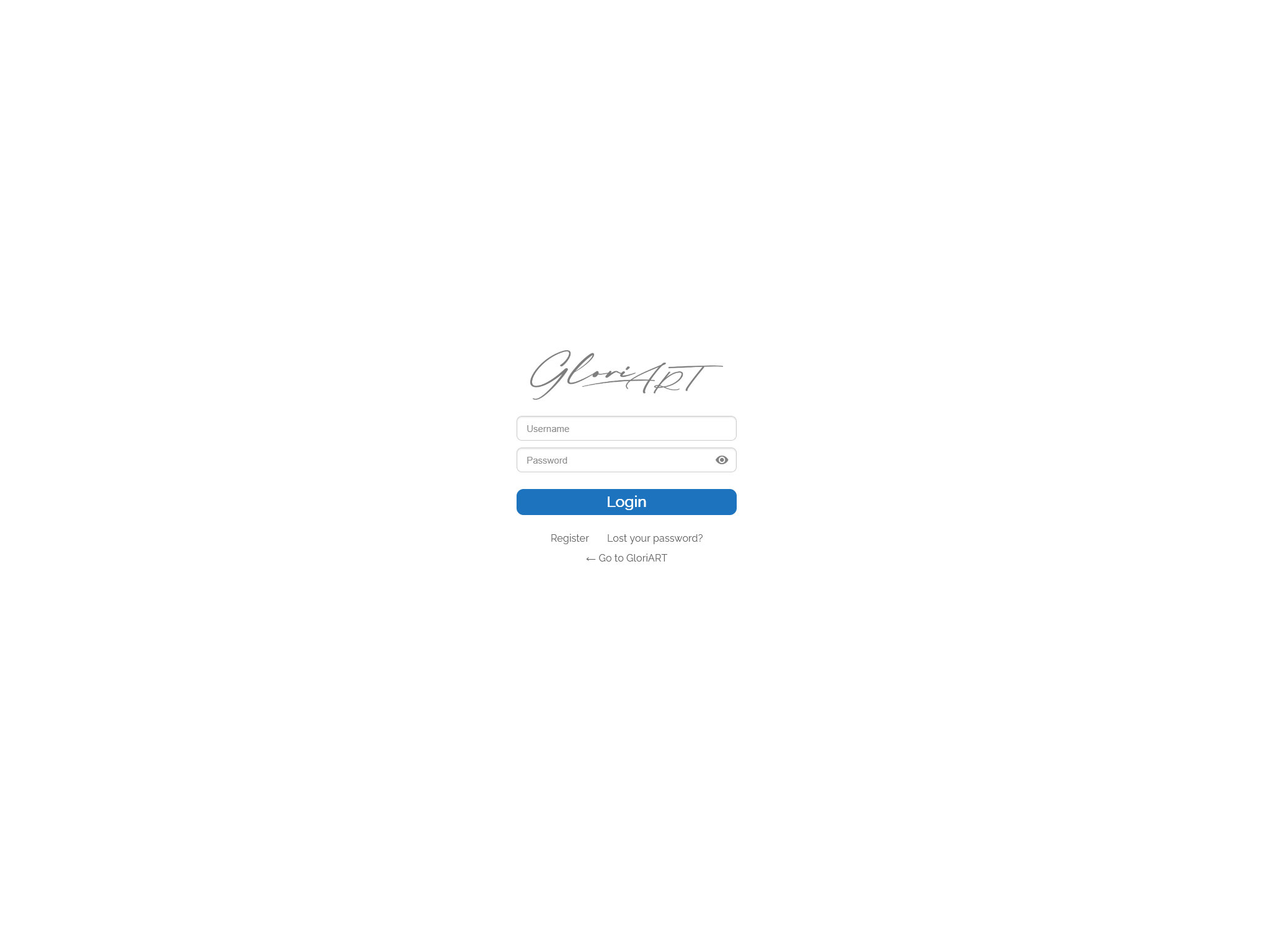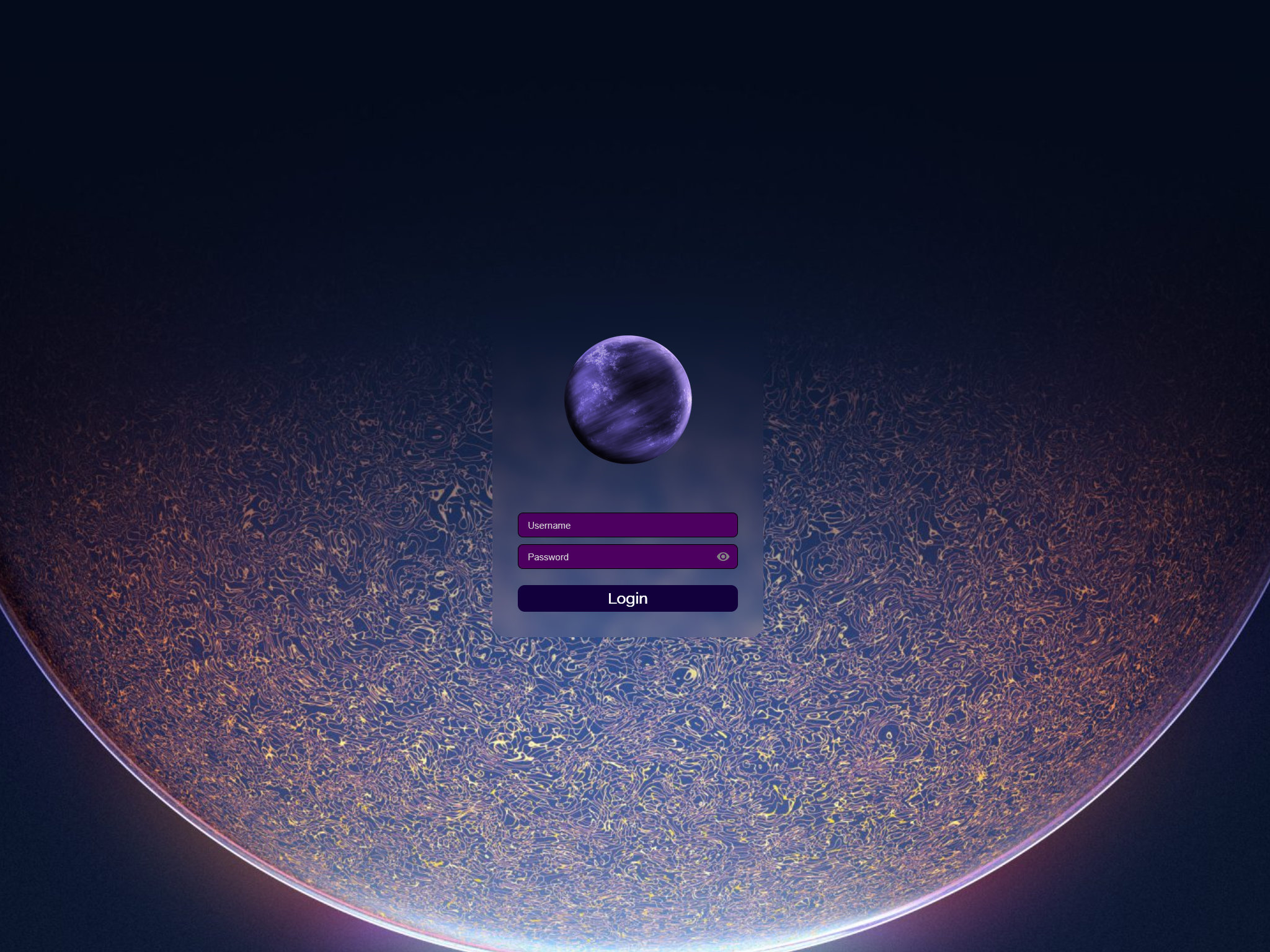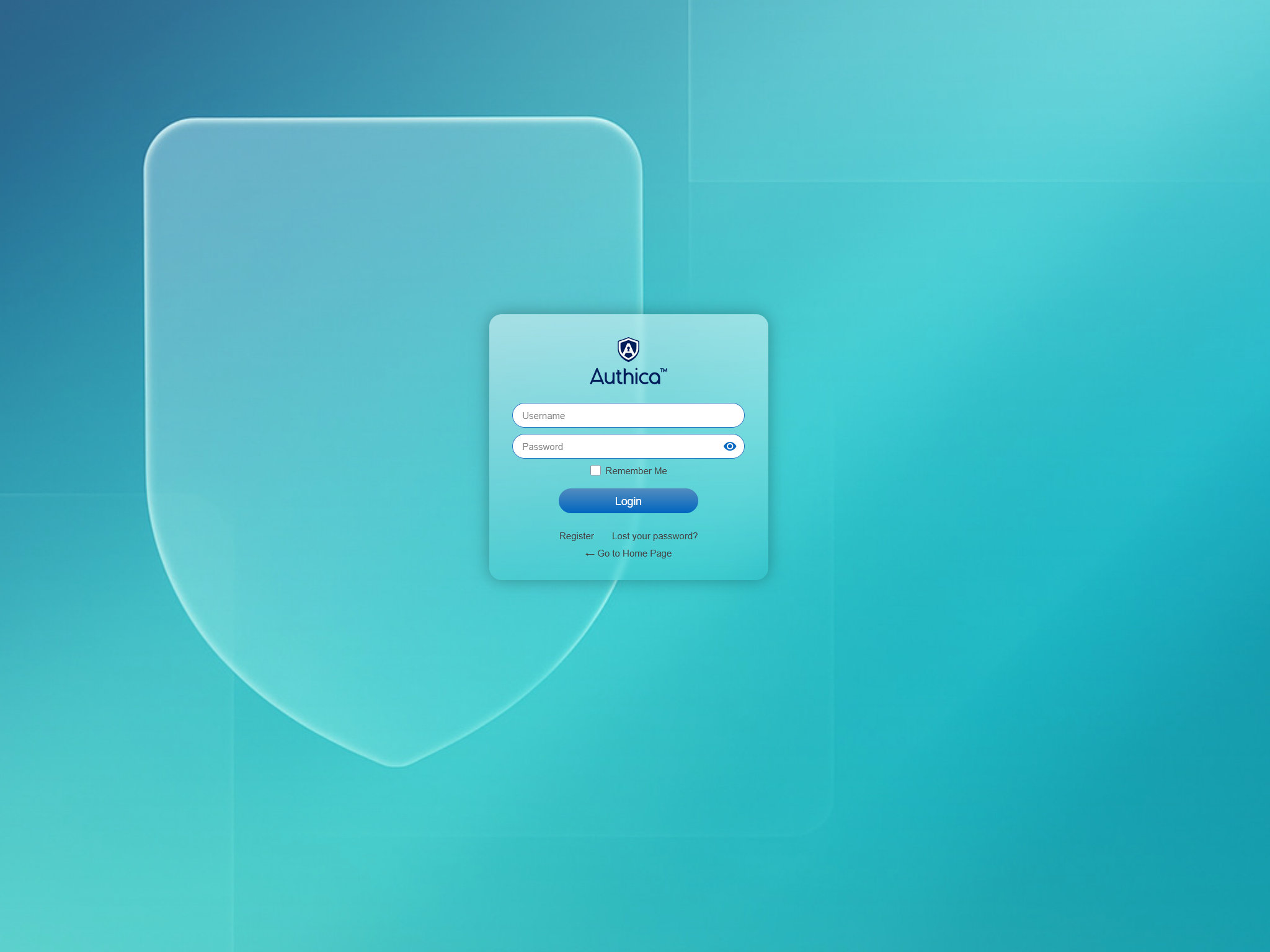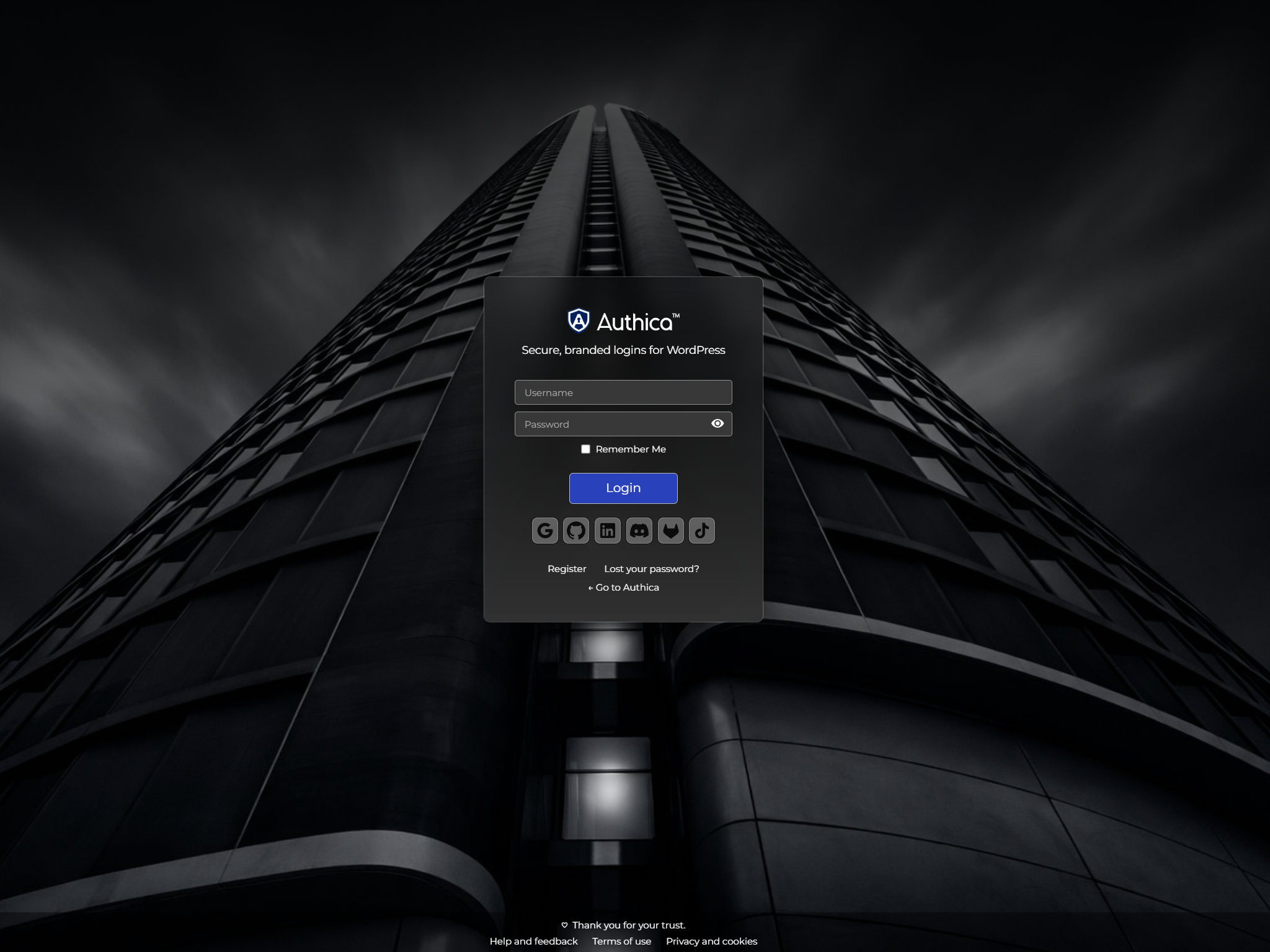
Secure, branded logins for WordPress
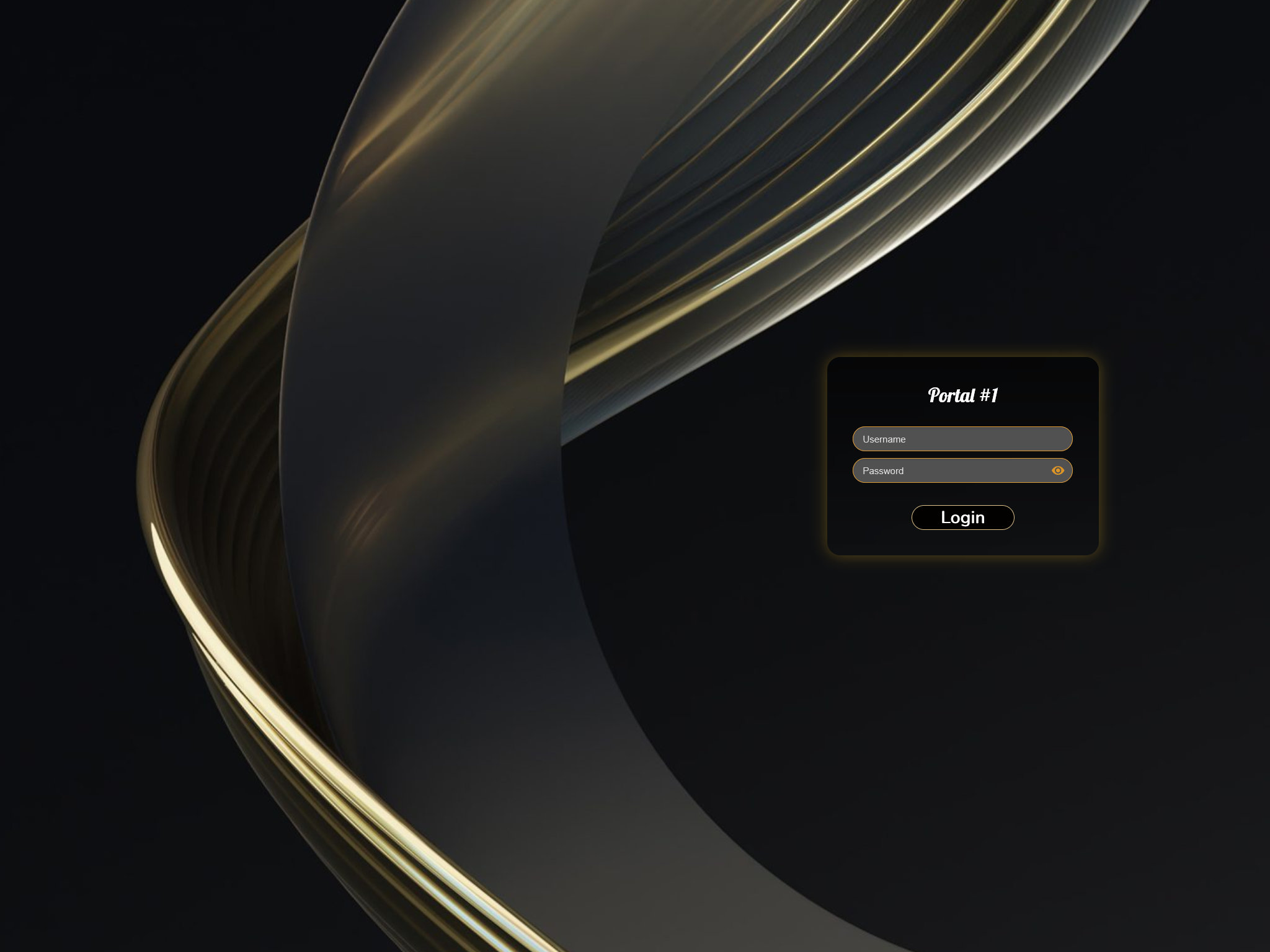
Authica lets you style the login page and add email verification and Cloudflare Turnstile bot protection, so sign-in feels on-brand and stays safe. Pixel-perfect control with safeguards to reduce attacks.
Works with: WordPress 6+ • All modern themes • Cloudflare Turnstile
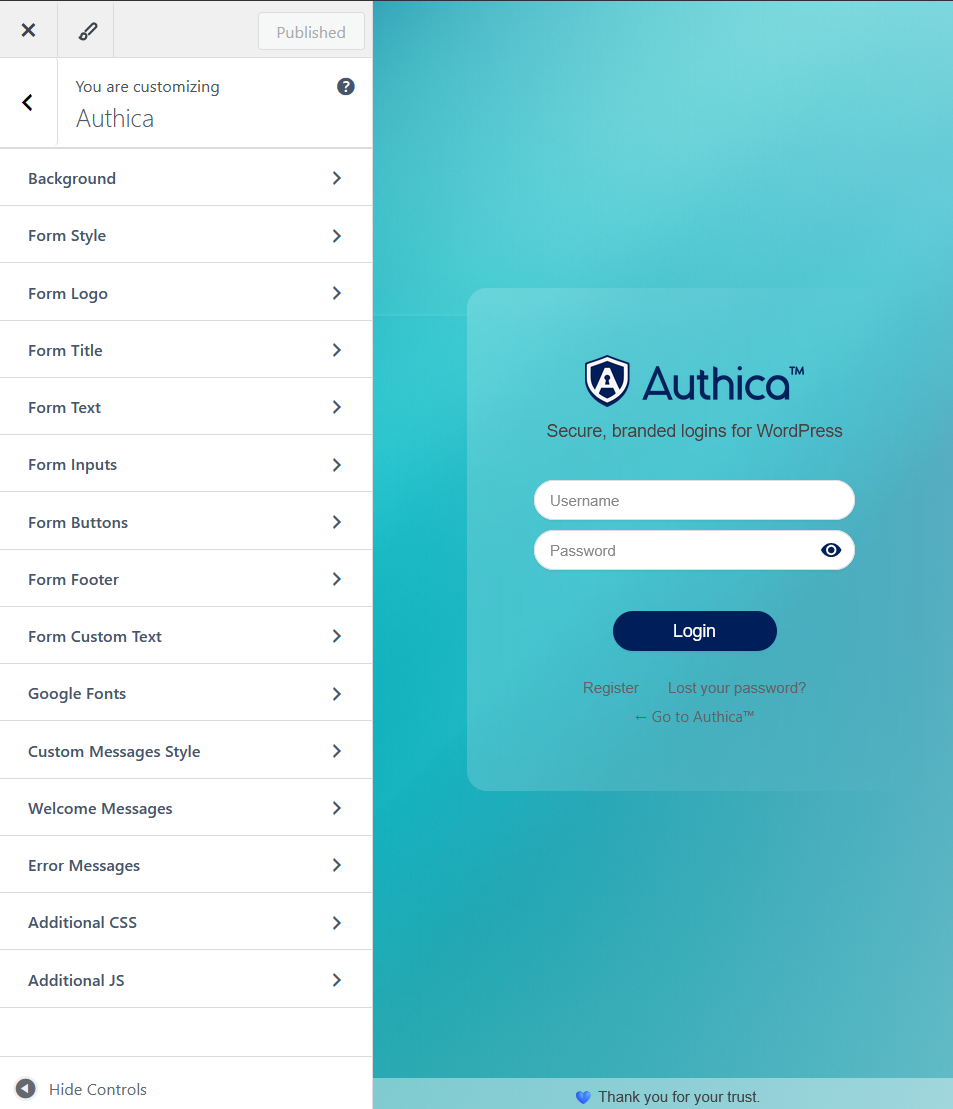
Live-preview your login
- Customize background, overlays/blur, logo, and fonts in seconds.
- See updates instantly with the WordPress Customizer.
- Security built-in: Email verification and Turnstile CAPTCHA.

What you get today
Visual customization (full)
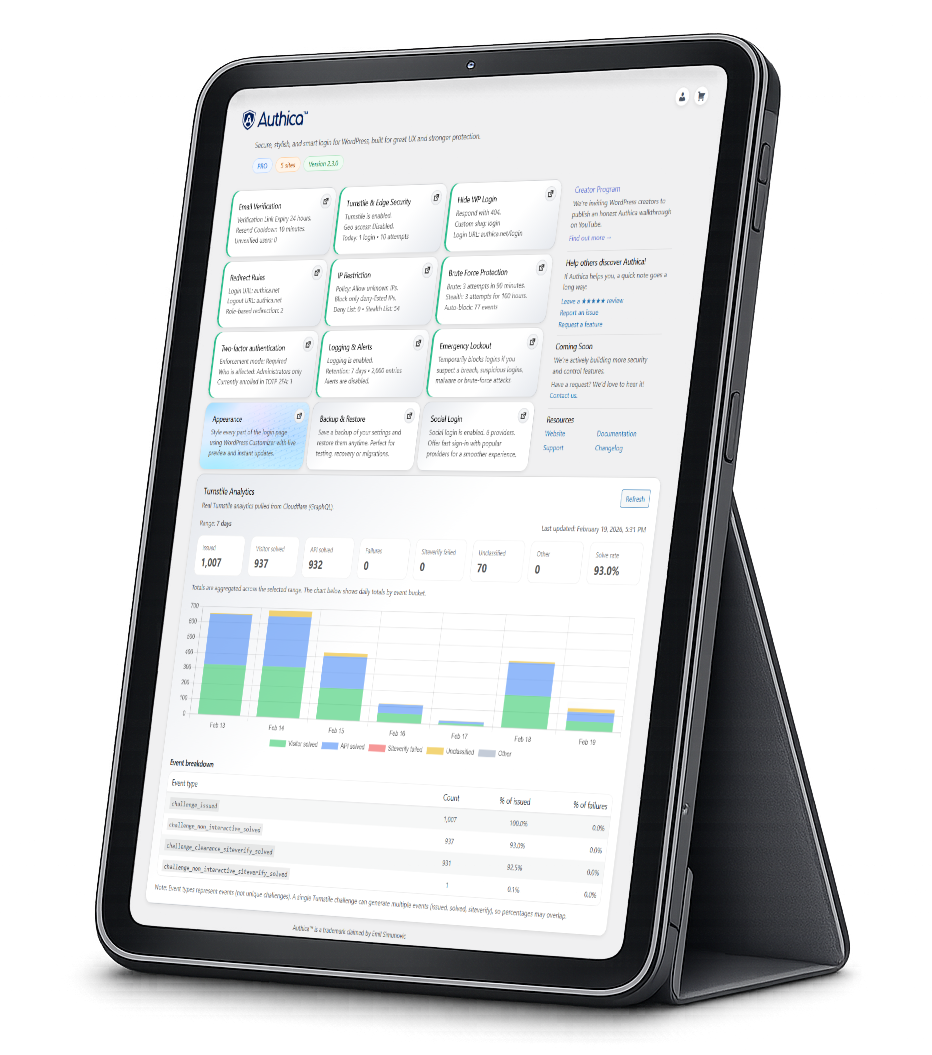
Style every part of the login experience from one place: Logo, Title, Background, Login Form, Inputs, Button, Footer, Custom Text, Google Fonts, Messages, and Custom CSS/JS.
Cloudflare Turnstile
Modern, privacy-respecting bot protection with automatic token lifecycle handling and smooth UI feedback.
Redirect rules
Send users to the right place after login and logout — per-role and global rules with safe fallbacks. Perfect for routing customers to dashboards and admins to WP-Admin.
Email verification
Confirm new accounts by email to block fake sign-ups and reduce automated abuse.
Hide / rename wp-login.php
Replace the default login URL with your own slug to reduce bot scans and password spraying. Includes safe fallback and redirect logic to avoid lockouts.
AJAX login & live messages
Fast, no-reload login with inline success/error messages, optional welcome prompts, and smooth UX out of the box.
IP restriction
Allow or block access to the login page by IP or subnet. Create allow and deny lists so trusted locations can log in freely while unknown IPs are quietly blocked before they even see the form.
Brute force protection
Limit repeated login attempts by IP and username, apply temporary lockouts after too many failures, and slow down password-guessing bots without getting in the way of legitimate users.
Two-factor authentication (TOTP)
Add a second step to login with time-based one-time codes (TOTP). Users connect any authenticator app and confirm a short code after their password for a much stronger, phishing-resistant login.
Logging & alerts
See who is trying to log in, from where, and what was blocked. Track login successes, failures, verification events, and bot protection, with optional email alerts when something suspicious happens.
Start in minutes
Install the plugin, open the Customizer, and enable Turnstile and email verification. Your login becomes on-brand and better protected without editing theme files.
FAQs
Does Authica slow my site?
No. Authica is lightweight and only loads its CSS/JS on the login, register, and password pages your front-end stays just as fast.
Which CAPTCHA do you support?
Authica supports Cloudflare Turnstile to block bots without slowing your site.
Do you support email verification?
Authica supports optional email verification. New accounts stay “Unverified” until the user clicks a secure link sent to their inbox.
What features are planned?
We’re actively building the following enhancements for Authica:
- IP allow/deny rules: Allowlist trusted IPs and block known bad actors (supports single IPs and CIDR ranges).
- Two-Factor Authentication (TOTP): App-based codes (Authy/Google Authenticator/etc.), with per-role enforcement and backup codes.
- Brute-force protections & lockouts: Smart rate-limiting, temporary lockouts, cool-down timers, and optional CAPTCHA escalation.
- Hide/rename
wp-login.php: Change the default login URL and optionally serve a 404 or custom page at the old path. - Redirect after login/logout: Flexible redirects by role, capability, or user plus a simple global default.
- Alerts & logging dashboard: Real-time email alerts for suspicious activity and a dashboard with searchable, exportable login events.
Status: In development. Feedback welcome to tell us what you’d like prioritized.